API-Connected AV Support Agents for Faster Ticket Resolution
Working Title
Building API-Connected AV Support Agents for Ticket Triage and Project Context
Environment
- System type: AI support agent workflow
- Integration point: Ticketing system API
- Knowledge sources: Project documents, GitHub repositories, commissioning reports, device manuals, prior tickets
- AV systems: Crestron, Q-SYS, DSP, displays, cameras, AV networks
- Author: Darrell Cowan
- Publisher: AV Edge Tech
- Ticketing platform: Unknown
- Authentication method: Unknown
- Data storage: Unknown
Problem Statement
AV support tickets are often missing context. The requester might report that "the room will not turn on" or "audio is not working," but the support team still needs to determine the room, system design, installed hardware, signal path, recent changes, and known issues.
That investigation takes time. It also depends heavily on who receives the ticket and whether they already know the project.
An API-connected AV support agent can reduce that friction by gathering context automatically before a technician starts work.
What The Agent Does
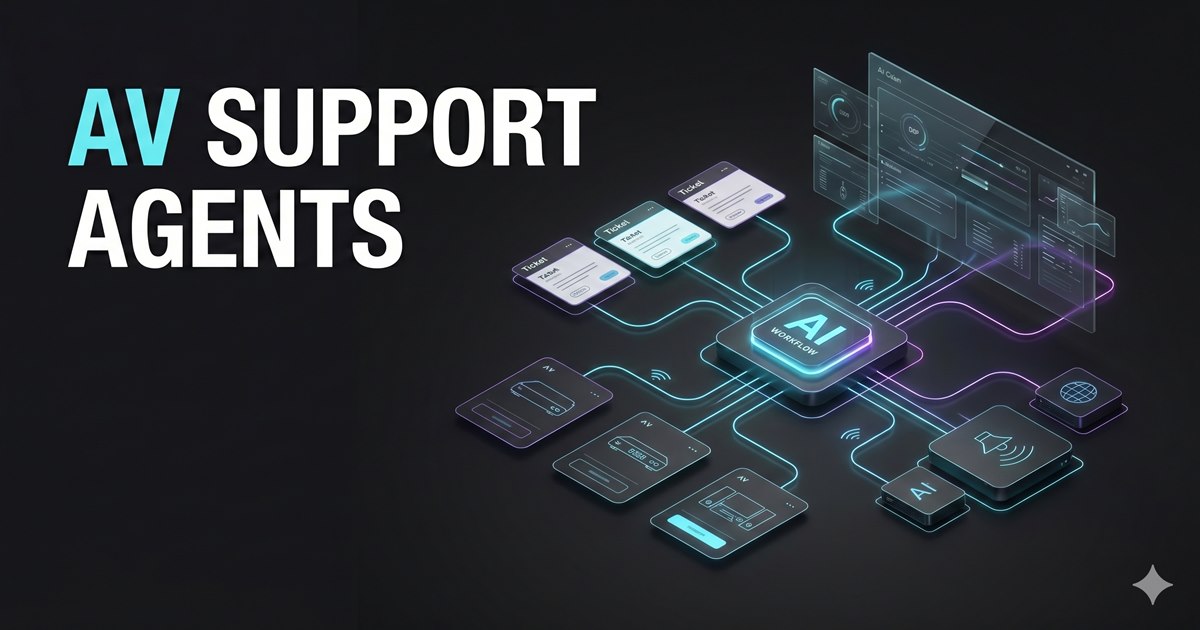
The agent workflow connects to the ticketing platform through its API, reads the incoming ticket, identifies the related project or room, retrieves known project information, and prepares a technical summary for the support team.
It can produce:
- Ticket summary
- Likely system affected
- Related rooms or assets
- Known device models
- Recent project changes
- Similar historical tickets
- Suggested troubleshooting path
- Questions to ask the requester
- Escalation recommendation
The goal is not to replace the technician. The goal is to remove the blank-page problem at the start of every ticket.
Example Ticket Flow
Ticket: "Display in boardroom will not turn on"

Agent output:
- Room: Boardroom
- Display: Unknown from ticket, likely from asset list
- Control path: Touch panel -> control processor -> display serial or IP driver
- Recent related issue: Power feedback timeout after display firmware update
- First checks: confirm display AC power, control processor online, network path, driver response
- Suggested assignment: AV programmer or field technician depending on remote access status
This gives the support person a starting point grounded in project context.
Data Sources
A useful AV support agent should be able to search:
Ticketing platform
Project folders
Scope documents
As-built drawings
Commissioning reports
GitHub repositories
Control code notes
DSP configuration exports
Network switch backups
Device manuals
Warranty records
The more structured the source data, the stronger the agent becomes. But even rough field notes are valuable if they are indexed and connected to the right project.
API Requirements
At minimum, the ticketing platform API should support:
GET ticket
GET requester
GET organization or client
GET related assets
GET previous tickets
POST internal note
PATCH ticket tags
PATCH ticket assignment
The safest first version should write internal notes only. Client-facing replies should remain human-approved until the workflow has been tested thoroughly.
Example Internal Note Format
## AI Technical Triage

Project: Unknown
Room: Boardroom
Issue Type: Display power/control
Confidence: Medium

### Context Found
- Similar issue reported previously: Unknown
- Installed display model: Unknown
- Control processor: Unknown
- Network dependency: Unknown

### Recommended First Checks
1. Confirm display power and input state.
2. Confirm control processor is online.
3. Test display control path from processor.
4. Review driver feedback or serial response.
5. Escalate to programmer if command path is active but feedback is stale.

### Source References
- Ticket body
- Project notes: Unknown
- Device list: Unknown
Integration With AAVIS
In an AAVIS-style environment, the support agent becomes part of the same lifecycle as commissioning. The system that helped generate or document the project can later answer questions about that project.
That creates continuity:
- Design intent is captured during scoping
- Device and network assumptions are captured during commissioning
- Code and UI decisions are tracked in GitHub
- Test results are stored at handoff
- Support tickets update the knowledge base over time
The support workflow becomes smarter with each project and each service event.
Risks and Controls
Important controls include:
- Limit write permissions during early deployment
- Require human approval for client replies
- Keep client data separated by organization
- Log every source used in the response
- Clearly label confidence level
- Avoid inventing unknown device models or firmware versions
- Maintain a fallback path to normal ticket handling
Publisher Note
Author: Darrell Cowan Publisher: AV Edge Tech
Published by Darrell Cowan of AV Edge Tech as practical AV systems documentation for teams building support workflows around real project knowledge, not generic chatbot responses.
Implementation Notes
The useful platform decision is not which product gets recommended first. It is whether the support workflow can safely reach the records that matter:
- Ticket body and requester context
- Project documents and as-built notes
- Control code repositories and module notes
- DSP, network, and device documentation
- Prior support history for the same room or client
Start with internal-note generation only. Once the summaries are reliable, the workflow can be expanded with stricter approval rules for client-facing replies, status changes, or ticket routing.
Final Takeaway
An API-connected AV support agent can make ticket resolution faster by bringing project context to the technician before troubleshooting begins. The strongest version of this workflow does not guess. It retrieves documents, checks prior tickets, references known system architecture, and gives the support team a structured starting point.