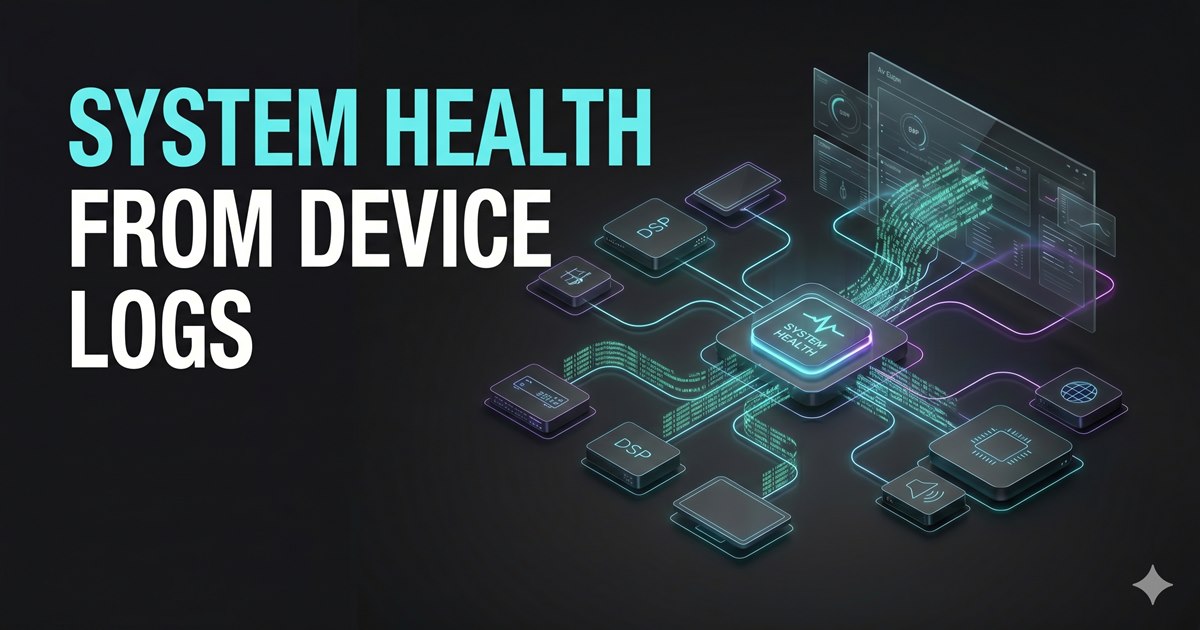
Field Notes: Automating System Health via Multi-Device Log Aggregation The most time-consuming part of a system health assessment isn't the fix—it's the data collection. In a complex environment (Crestron control, Biamp/Q-SYS DSP, Dante audio), logs are scattered across different protocols and proprietary formats.
Here is the technical workflow I use to pull logs from all devices, pass them through a centralized AI scan, and generate a clear, actionable system issue report.
Phase 1: The Pull (Data Acquisition) To get a comprehensive view, you need the "raw" truth from every critical node.
Crestron (3-Series/4-Series): Use the text console via SSH.
err: Displays the current error log.
msglog: Shows the message log for logic-level events.
plog: Pulls the persistent log for reboot history.
Biamp Tesira: Navigate to the Web GUI (System Maintenance tab).
Pro Tip: Press Ctrl+Shift+F12 to reveal the hidden Download Logs button. Select "Debug" for maximum granularity.
Q-SYS Core: Access the Core Manager via IP.
Under Utilities, download the .qsyslog. Note that this is a specialized format, but can be parsed as text for AI analysis.
Dante Controller: Export the Event Log as a .csv. This is critical for identifying clock sync slips and multicast bandwidth issues.
Phase 2: The Sort (Normalization) AI agents struggle with "noise." If you feed an agent 50,000 lines of "Heartbeat OK" messages, you're wasting tokens and processing power.
Time-Stamping: Use a script to normalize all timestamps to a single UTC timeline.
Scrubbing: Strip out redundant Pings or "Info" level messages that don't indicate state changes.
Anonymization: Remove client-specific IP schemes or hostnames if the data is leaving your local environment.
Phase 3: The Agentic Scan This is where the heavy lifting happens. I use Codex to run a "Pattern Recognition" pass across the aggregated file.
The Prompt Strategy:
"Analyze this aggregated log. Look for causal relationships between the Dante Clock Sync error at 14:02:01 and the Crestron 'Socket 1 Disconnect' at 14:02:05. Is there a network-wide dropout occurring, or is this a localized device failure?"
What the AI catches:
Logic Loops: Finding where a Crestron buffer is firing 100 times a second, flooding the DSP with redundant serial strings.
Firmware Mismatches: Identifying devices that are throwing "invalid command" errors because of a recent partial update.
Thermal Throttling: Detecting subtle "Fan High" or "Voltage Sag" warnings buried in the Q-SYS hardware log.
Phase 4: Output & Wiki-fication The final step is generating two distinct outputs:
The Executive Summary: A gray-scale, minimalist table showing "Issue," "Severity," and "Resolution."
The Technical Deep-Dive: A structured markdown entry for my Technical Wiki.
Because my site uses a static Next.js export, I have Codex push these findings directly into the /posts directory of my repository. This ensures that every health assessment I perform becomes a searchable asset for the next technician on-site.
Why This Matters Manual log review is reactive. Agentic log analysis is predictive. By the time I finish the "System Health Assessment," the AI hasn't just told me what is broken—it's identified the patterns that indicate what will break next.
Next Up: I'm looking at automating the SFTP push for these reports so the wiki updates the moment the site analysis is finalized. Stay tuned.